Every order. A clear next step.
Bring purchases, customer details, and fulfillment information together so your team can keep the store moving.

 Dashboard
Good things are happening.
 #1048Alex CarterVancouver, CAPaid$75.00
 #1049Jamie ChenToronto, CAPaid$75.00#1050Sam RiveraPortland, USPaid$150.00#1048Alex CarterVancouver, CAPaid$75.00#1049Jamie ChenToronto, CAPaid$75.00#1050Sam RiveraPortland, USPaid$150.00
See what is happening in your store.
Open the dashboard to review incoming orders and sales activity. Keep an eye on the store without relying on separate website notifications to understand every purchase.
Use order records to move from the overview to the details: the customer, what they bought, and where the order needs to go.
MADE PERSONAL. MADE FOR YOU.Alex, your good thing
is on its way.
Thanks for choosing Northmark.
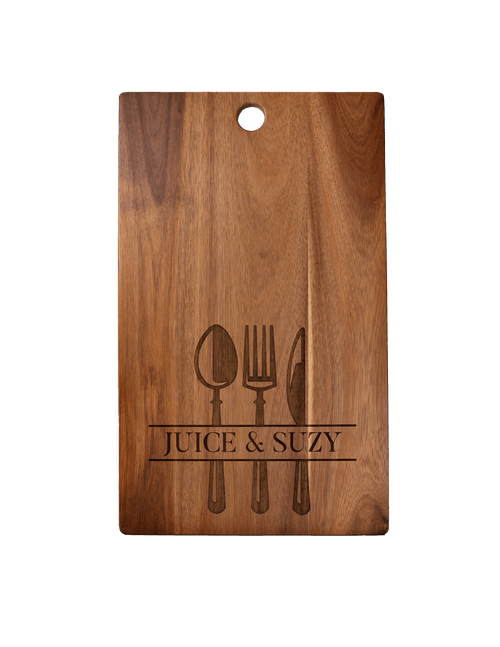
Your personalized board is in good hands.
The details belong with the order.
Customer contact information, purchased products, payment status, and delivery details make an order useful to your team. Order activity provides context for changes and customer communication.
Before acting, check the current payment and fulfillment state. A created order and a confirmed paid order are different operational states.
MORE ROOM TO GROW.The little things.
All working together.
a nicer place.
Acacia boards42 in stock
happy doorstep.Label created ✓
Move from purchase to delivery.
Use your configured shipping setup and supported shipping integrations to support fulfillment. Keep customer notifications aligned with how your store actually handles orders.
Payment actions vary by processor. Confirm supported refund and fulfillment workflows for your chosen integrations rather than assuming every provider behaves identically.
Keep the catalog grounded in reality.
Manage product and variant stock in the dashboard, adjust inventory, and review inventory history. Stock management helps your storefront reflect what is available.
Make regular inventory checks part of the operating routine, especially for products that need replenishment or have multiple variants.
Explore product optionsFrom your first idea
to their next order.
Connect your website. Add your products. Make it yours.
Start your free trial