Your Webflow website. Your kind of store.
Add products, a shopping cart, and a checkout to the Webflow website you already have. Keep designing in Webflow. Run your commerce in Penni Cart.
 Good coffee. Good mornings.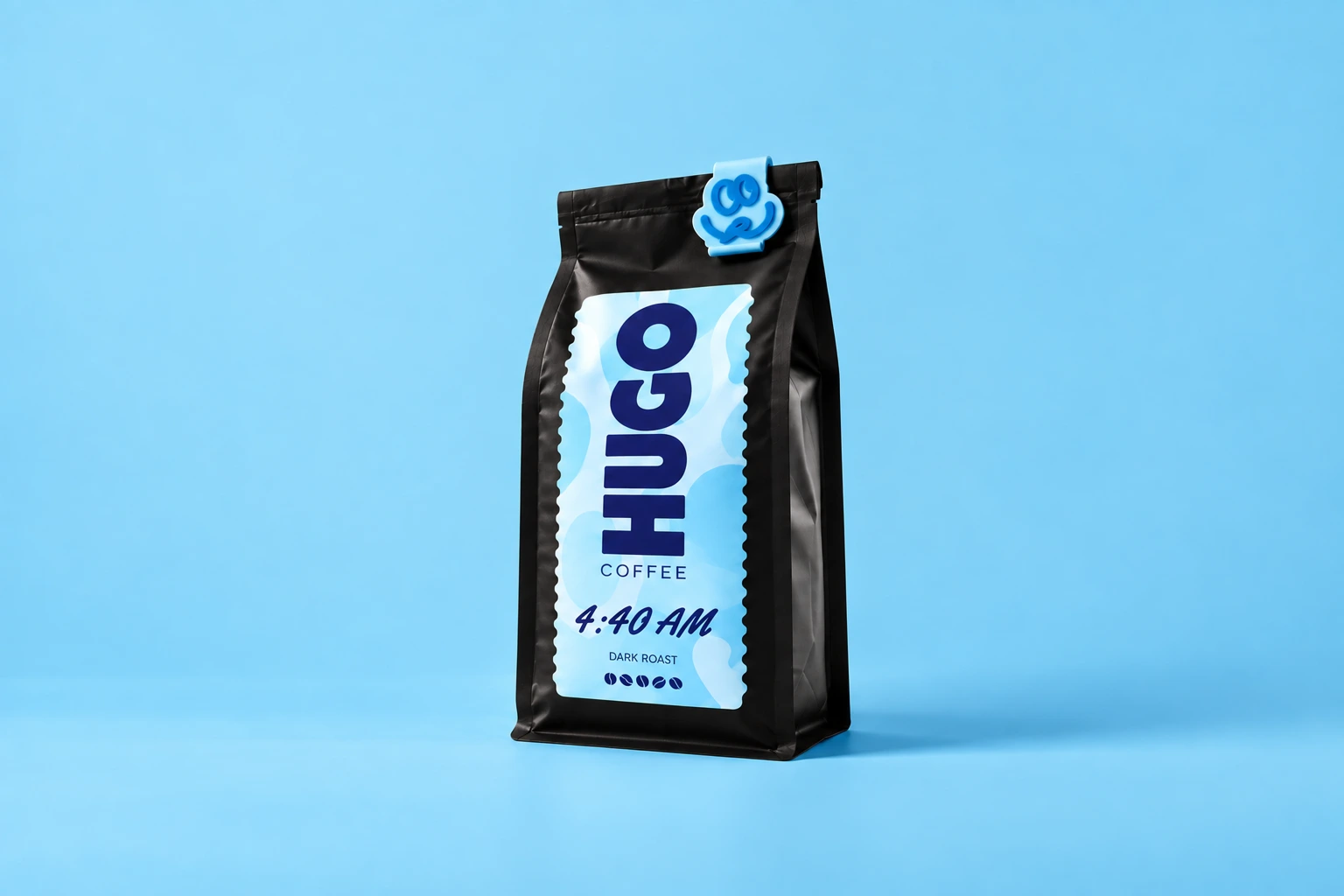
4:40 AM
Little sleep. Big coffee.
$28 / 340 g bagStart in the Designer. Keep your momentum.
Install the Penni Cart app from the Webflow Marketplace, connect your store, and use the Designer extension to set up your commerce pages. Your website stays in Webflow; Penni Cart supplies the shopping behavior behind it.
Installation is the beginning, rather than the whole launch. Connect your product elements, choose a payment provider, and test the complete purchase journey before welcoming customers.
Follow the Webflow quickstart Install App ↗
 Claude
Add a cart and custom checkout.
From the first product to the final click.
A store should feel like one website. Design your product pages, cart, and checkout with the same colors, typography, and spacing you use everywhere else.
Penni Cart binds commerce behavior to your page elements using attributes. You choose the layout around those elements, rather than starting over in a separate storefront builder.
Explore custom checkout
Your orders have a home.
Use the dashboard to manage products, inventory, customer details, and orders. Shipping rules and discount codes live alongside your commerce settings, so your store has an operating system beyond the Designer.
For recurring products, configure a subscription offer and its billing cadence. Confirm the recurring-payment setup for your chosen processor before launch.

 Dashboard
Good things are happening.
 #1048Alex CarterVancouver, CAPaid$75.00
 #1049Jamie ChenToronto, CAPaid$75.00#1050Sam RiveraPortland, USPaid$150.00#1048Alex CarterVancouver, CAPaid$75.00#1049Jamie ChenToronto, CAPaid$75.00#1050Sam RiveraPortland, USPaid$150.00
Choose the approach that fits your store.
Native Webflow Ecommerce also provides customizable cart and checkout design. Penni Cart offers a separate commerce layer for teams who want to keep their Webflow site and manage commerce through Penni Cart.
Your Webflow hosting plan and your Penni Cart plan are separate. You can test Webflow-integrated commerce on a .webflow.io staging domain; a live custom domain requires an active Essentials entitlement. Check the current catalog for plan details.
See current pricingQuestions, answered.
Do I need to rebuild my Webflow site?
You can add Penni Cart to an existing Webflow website. You will still need to connect the commerce elements and create or adapt your product, cart, and checkout pages.
Can I customize the checkout in Webflow?
Yes. You design the checkout page and connect its elements with Penni Cart attributes. Secure payment fields remain controlled by the relevant payment provider.
Can I try it before publishing to my own domain?
Webflow-integrated storefronts can run on a .webflow.io staging domain without a paid Essentials entitlement. Review current account plans before moving commerce to a custom domain.
Different stores.
The same freedom.

“Fresh beans, stock, and orders—all in one place. Penni Cart gives us a pulse on the whole business, so every bag goes out fresh.”
“We had our store running in 30 minutes. What used to take days now feels simple, with no complicated setup.”
From your first idea
to their next order.
Connect your website. Add your products. Make it yours.
Start your free trial