
Local ecommerce for Webflow stores: how to sell in your city
Run a Webflow ecommerce store that targets local customers. Local SEO, delivery zone shipping rules, in-store pickup — set it all up natively in Webflow.
If you're thinking about starting e-commerce store, you don't always need to go global right away. In lot of cases, smartest move is to start local first.
Local e-commerce is exactly what it sounds like. You sell products inside specific area, like your city, your state, or your region. You're not trying to ship across Canada, US, or worldwide. You're focused on one market you understand, and you're building demand there first.
One simple example is Vancouver. If you live in Vancouver and you find product that people in Vancouver actually want, you can sell it locally, deliver it fast, and build brand that feels close and trusted.
And just to clear something up from what you said earlier, local e-commerce is not same thing as local SEO, but they work together. Local e-commerce is business model, you sell in local area. Local SEO is marketing side, it's how you show up when people in that area search things like "best ___ in Vancouver" or "buy ___ near me." Local SEO helps people find you, local e-commerce is what you do once they find you.
Key takeaways
- Local e-commerce means selling in specific area, like your city or region, instead of trying to ship everywhere.
- It's easier to test product locally because you understand people, culture, and buying habits.
- Local brands often earn trust faster because customers feel like they're buying from someone real and nearby.
- You can validate demand using tools like Google Trends and Keyword Planner before spending money on inventory.
- Marketing matters even locally, and you can test quickly using small Facebook or Google Ads campaigns.
- Customer service and fast delivery are huge advantage when you stay local.
Why local e-commerce is good way to start?
Biggest advantage of going local is that you already understand market better than anyone else. You know how people talk, what they complain about, what they value, and what makes them buy. When you start selling in local area, you're not guessing as much.
Local is also faster way to validate if product is going to work. If your product doesn't sell in your city, you can learn quickly without burning ton of money on big inventory or complicated shipping. If it does sell, you now have proof that product works, and you can scale from there.
Lot of customers prefer local brands. They don't always want random products shipped from far away. But if you position yourself as local brand, with clear information and real customer service, trust gets built faster.
What does "local" mean in local e-commerce?
Local can mean different things depending on business. For some stores, local means "same city only." For others it means "Lower Mainland," "Greater Toronto Area," or "Southern California." Point is that you're selling inside defined market, and you're keeping shipping simple.
Local also gives you advantage with delivery speed. If your product arrives faster, customers are happier, refunds drop, and word of mouth grows.
How to start local e-commerce business?
Step 1: Know who you're selling to
Before you pick product, figure out type of person you're targeting. Simple buyer persona helps lot. For example, Lisa is 30, works in accounting, lives downtown, and likes practical products that save time and don't feel overpriced. That already tells you what kind of offers might work.
Step 2: Research demand in your area
You want to know if people in your location are actually searching for product, buying it, or talking about it. Tools that help here include Google Trends, Google Ads Keyword Planner, and SimilarWeb.
Step 3: Launch simple store and test product
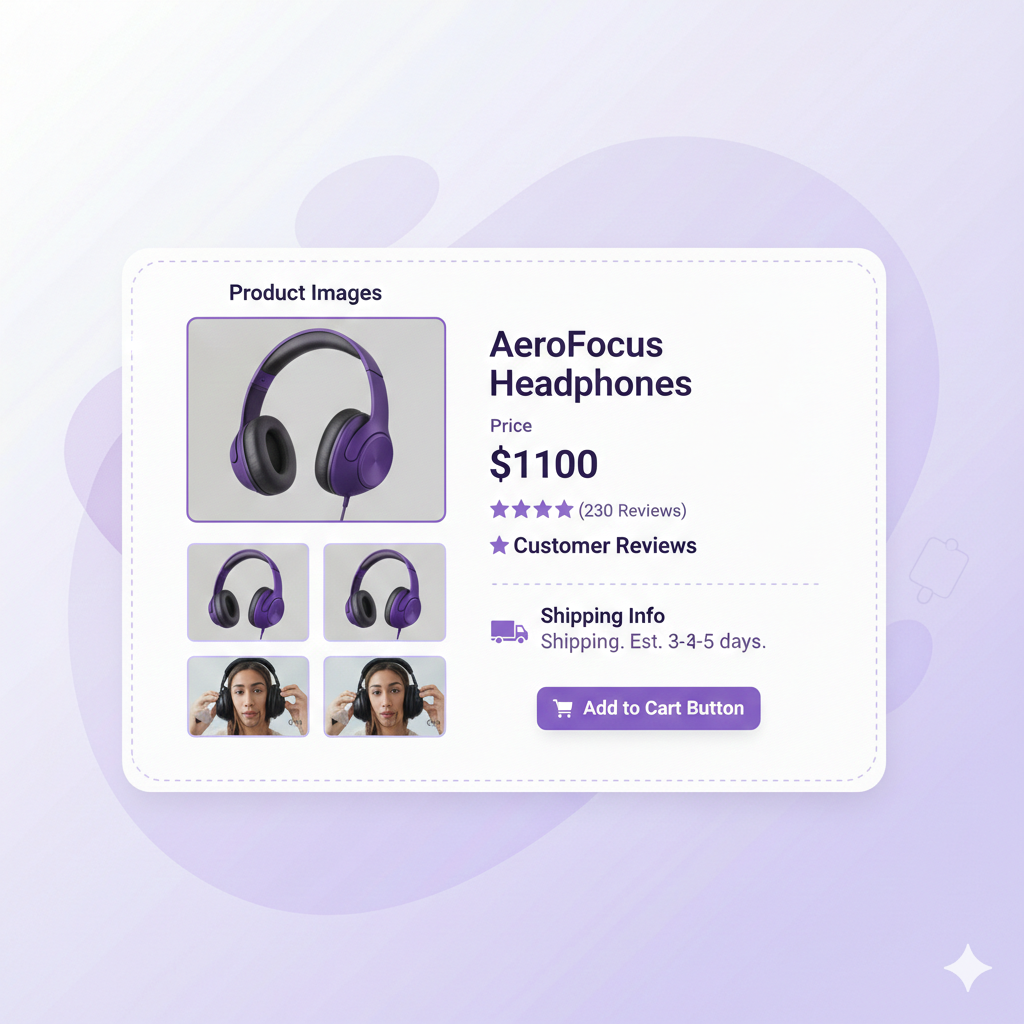
Get clean store up, make product page clear, add strong images, make pricing obvious, and set up checkout process that doesn't feel confusing. You can use Webflow with an e-commerce solution, depending on your budget and how much design control you want.
Step 4: Run small local ads to validate fast
Simple Facebook or Instagram campaign targeting your city can tell you lot. If people click but don't buy, it usually means product page needs work. Key is to test small, then improve based on what you see.
How to market local e-commerce business without making it complicated
First thing is clarity. Your product page should quickly explain what product is, who it's for, and why it's worth buying. Second thing is visuals. Local buyers still want good photos and videos. Third thing is trust. Local brands win when they feel real, reviews, testimonials, refund policies, clear delivery timelines, and fast responses matter even more locally.
Customer service matters more when you're local
Lot of local stores lose momentum because they don't reply to customers fast enough, they ignore refund requests, or they don't follow their own policies. That kills trust, and in local markets trust spreads fast, both good and bad. So if you're starting local, treat customer service like part of product.
Final thought
Local e-commerce is one of best ways to start because it's simpler, faster to test, and easier to build trust. You're selling to people you understand, you can improve quickly, and you can scale once you know what works.
If you're building in Webflow and you want simple way to launch fast, Penni Cart is option to try. You can create a Webflow e-commerce store quickly, customize shopping experience on front end without code, and start testing your product without pressure because it's free to start.
Related reading
- Custom shipping rules: charge by region and weight
- Get your local products into Google Merchant Center
- Starting an ecommerce business: small business guide
- Webflow Ecommerce review
Running a local Webflow store? Set up delivery zone shipping rules, charge by ZIP, restrict orders to your service area, or offer in-store pickup.
Related Articles


Webflow App