
Product catalog setup in Webflow: structure, fields, and best practices
How to structure a product catalog in Webflow CMS — categories, variants, fields, and the setup that scales without breaking. Built for Webflow agencies and stores.
Many people think that a product catalog is old fashioned, but it is still one of the simplest ways to allow the customer to browse quickly and purchase with confidence.
A catalog gives shoppers a clear picture of what you sell without subjecting them to click through dozens of pages. A product catalog is more than a list, it's a strategic tool that organizes and presents products in a way that lets customers easily navigate, compare and make buying decisions as easily as they would in a store.
Key takeaways
- A catalog helps to increase the speed of browsing and let your customer understand your products without digging through your site.
- Depending on buying habits, catalogs are of many types: print, digital, interactive, and B2B wholesale.
- The best catalogs are clear and consistent, and have sharp images, accurate information, and transparent prices.
- Include the essential data (product specs, images, price) to ensure accuracy across the board.
- Catalogs help in managing inventory and pricing across all sales channels.
- FAQs eliminate uncertainty and prevent buyers from leaving to "think about it."
- Every catalog needs to have a good call-to-action: shop now, contact us, or request a quote.
What is a product catalog?
A product catalog is a neat organized list of all that you have to offer, in one place. A digital catalog collects all product information in a central database, making it possible for buyers to find, compare, and evaluate products quickly.
Instead of requiring visitors to click through a bunch of pages to put a product together, a catalog lets them glance and compare and make a decision without having to do much more. It can be printed, downloadable PDF, or on-site digital version.
When your buyers understand what you sell, and can see what all their options are, they shop faster. Confusion or overwhelm results in hesitation, and hesitation often becomes abandonment.
A catalog usually has a list of important information (features, price, color, description, dimensions, weight, availability, and reviews). Catalogs are great when you have lots of products or lots of variations of a product or something that needs explaining.
Types of product catalogs
The type of catalog that is best depends on how your customers purchase, and how frequently your business changes pricing, inventory or products.
Print catalogs
Print catalogs are the traditional marketing tool. They are the physical copies that are given out at trade shows, meetings or inside a store. They work best when selling higher ticket items or when the customer enjoys a tactile review. The downside is obvious: once printed it is expensive and slow to update, so frequent price changes can soon render them out of date.
Digital and online catalogs
These are the most common options since they're easy to share and update. Digital e-catalogs are an example of how paper catalogs can be reproduced in digital form, available on the Internet or through mobile applications. They are often PDFs that you can email, download or send through a message. An online catalog is a digital version of a traditional catalog that is available on your website or app. It is easy to update and it provides interactive browsing.
Interactive catalogs
Interactive catalogs are similar to digital catalogs but enhanced with more experiences. They have clickable elements, embedded videos, and 360° product views to enhance engagement. Viewers can drill down into sections, open detailed product pages and interact with multimedia content, useful when products require more explanation.
B2B catalogs
B2B catalogs are used by wholesale and bulk buyers. They usually include bulk pricing, minimum order quantities, and advanced search capabilities to simplify the large-volume procurement process.
What to include in a product catalog
A well-designed catalog uses design elements like color schemes, fonts, layout, and interactive features to create strong visual appeal, making browsing easy, engaging, and consistent with your brand. A robust product catalog also provides valuable data on customer preferences, which can help develop targeted marketing campaigns.
Front cover
Your cover should make it obvious who you are and what you sell. Keep it clean, include your brand name, and use one strong product image that represents your best product or your style.
Table of contents
If your catalog has more than a few pages, you need a table of contents. Organizing products by product category in the table of contents helps customers find what they need more efficiently.
Product listings
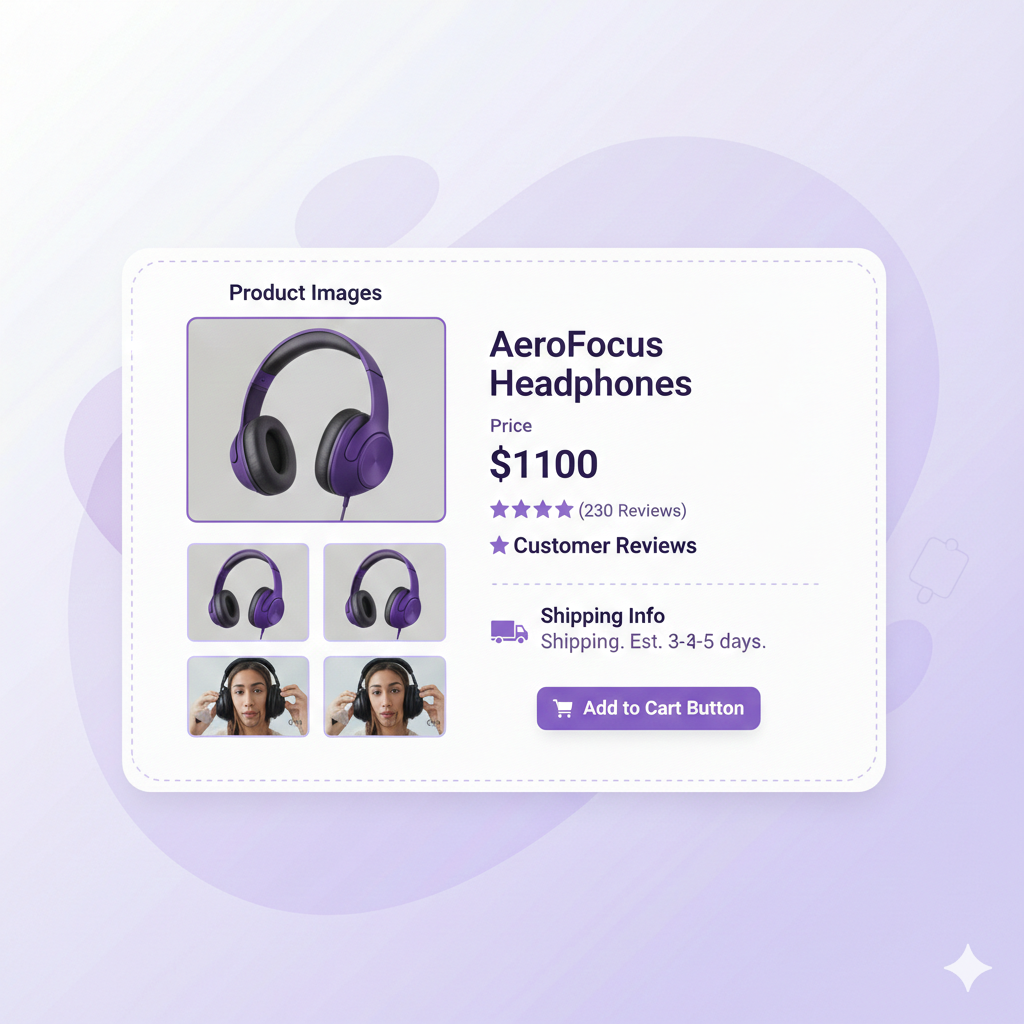
This is the core of the catalog. Each product should have a clear name, a professional photo, and a short description that gets to the point. You want to include the key features, the main benefit, and anything important that helps someone pick the right option. Show product availability so customers know real-time stock levels. Display product prices clearly. If you have SKUs or model numbers, include them.
High-quality photos and consistent images
Photos can make or break a catalog. If the images are blurry, dark, or inconsistent, people lose trust fast. Try to keep your photos consistent across products, similar angles, similar lighting, and the same general style.
Simple descriptions that still answer what matters
Descriptions shouldn’t be long, but they should be complete. They should explain what the product is, who it’s for, and why it’s worth buying. Including detailed specs and accurate product data in your descriptions helps customers make informed decisions.
Reviews or trust signals
If you have reviews, ratings, or short testimonials, add them. Even a simple line of social proof can help someone feel more confident and make a decision faster.
Promotions and discounts
If you’re running deals, bundles, or seasonal promos, include them. This can push people to make a decision sooner, especially if the offer is clear and easy to understand.
Policies and contact details
Don’t make people guess. Include the basics like shipping notes, return policy, warranty if it applies, and your contact details. This removes last-minute doubt.
A clear call to action
Every catalog needs a next step. Shop online, buy now, request a quote, contact us, or order wholesale. Whatever your next step is, make it clear and easy to find.
How to create a product catalog without making it complicated
Creating a product catalog is a lot easier when you don’t start with design first. If you jump into layout too early, it gets messy fast. The better way is to organize everything first, then design it after.
Start by grouping your products into categories that make sense for the customer. Not how your team labels inventory, but how someone would actually shop. If people have to think too hard about where something belongs, they’ll get frustrated and stop browsing.
Collect the details and make it easy to scan
Next, collect your product info in one place before you build anything. Gathering all your product data in a centralized product database streamlines catalog creation. You want the product name, price, SKUs or model numbers, materials, sizing, and any key details people usually ask about.
After that, focus on images. Make sure the photos are clear and consistent. If you’re showing the same product in different colors or styles, keep the angles similar. When images feel random, the catalog feels confusing. And when the catalog feels confusing, people hesitate.
Final thought and next step
A product catalog is one of the simplest ways to make buying easier. An ecommerce product catalog provides an enhanced customer experience by ensuring efficient inventory management and real-time stock updates. It gives people a quick view of what you sell, helps them compare options without getting lost, and answers the basic questions that usually slow down the decision.
If you’re building in Webflow and you want a no-code way to keep the shopping experience consistent from product page to checkout, try Penni Cart for free today. It has no transaction fees, stays fully inside Webflow, and it’s free until you launch.
Related reading
- Webflow product options and variants
- Webflow ecommerce: options, variants, and payments
- Product photography specs for Webflow stores
- Webflow Ecommerce review
Building your Webflow product catalog? See how Penni Cart works with your existing CMS structure, no migration, no proprietary product schema.
Related Articles


Webflow App