
Starting an Ecommerce Business: A Simple Guide for Small Businesses
Learn how to go from 0 to hero when starting an ecommerce business, from picking the right platform to setting up products, marketing, and tracking your first results.
Starting an ecommerce business is a big step, but it does not have to be confusing for you. You might be a small shop owner, a service business, or someone who already sells in person and now wants to sell online too. The good news is you do not need a huge budget or a team of developers to get started with this.
What you do need is a clear plan, the right platform, and simple store that can grow over time when you work on it. This will help you choose the best e-commerce platform to meet your needs, including PenniCart, Shopify, and other common platforms you will hear about often in the market.
Starting an e-commerce business is much more than just putting up products on websites for people to see. It is like opening a second location for your business, but online, where customers can visit.
Owning your own store, rather than relying on third-party marketplaces, gives full control over branding, customer experience, and long-term costs.
Your store has got to show what you sell, answer questions, and help people pay in a safe and easy way that they can trust. Many people rush and launch stores on weekends without proper research. They upload products, choose random themes, and then hope that people somehow find it and buy from them.
A better way is to think of your store as a system that works. It should be able to help the right people understand what you sell within the first 5 to 10 seconds, then guide them step by step to the checkout page. It should include key features such as clear navigation, secure payment options, and mobile-friendly design.
You do not need to start with 100 products. Very often, it is much better to launch with 5 to 20 products you already know sell well. It keeps your setup simple, your inventory easier to control, and your marketing more focused on what works.
Step 1: Get clarity on your customer, products, and numbers.
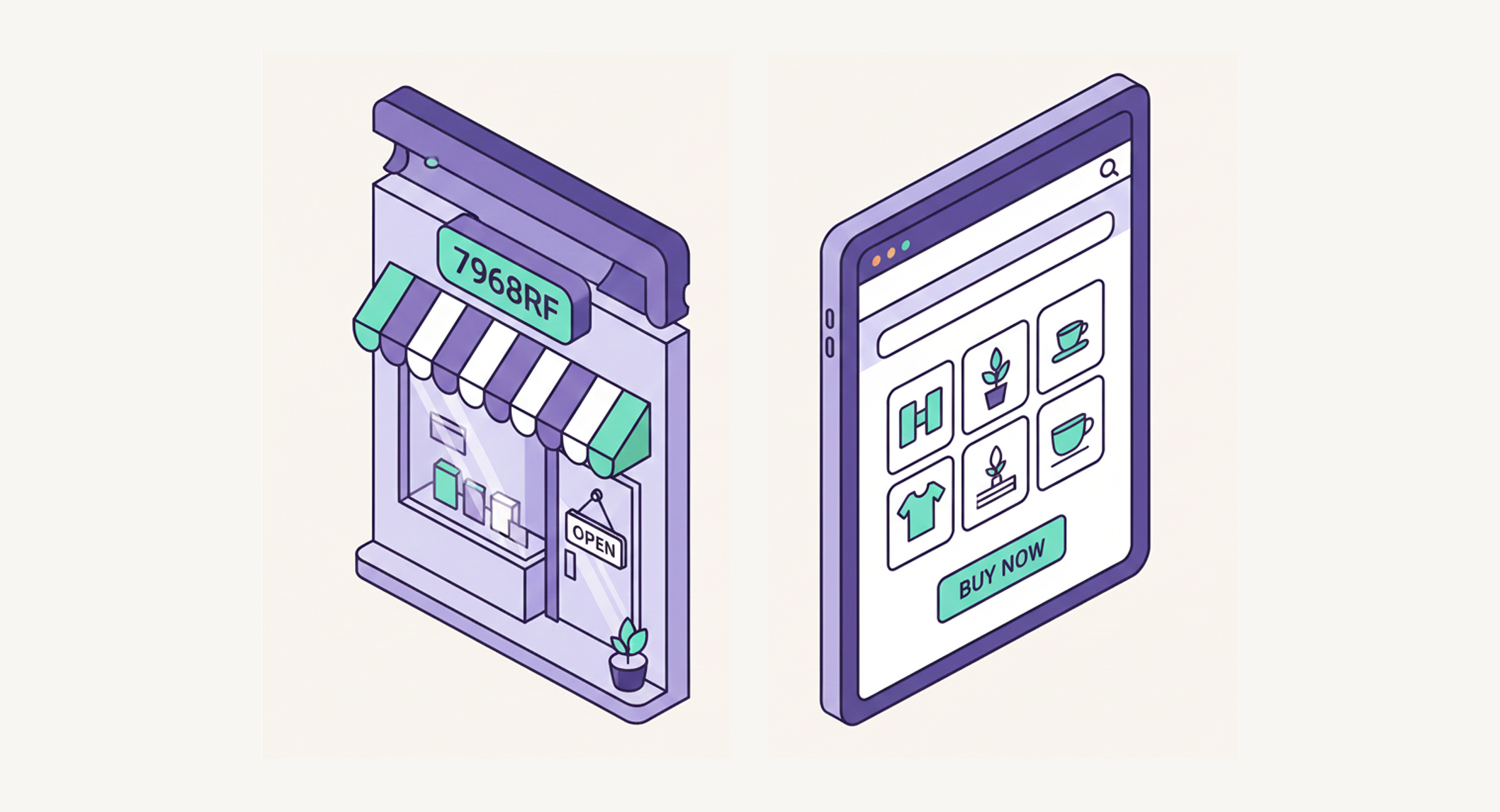
Before you sign up for any platform to use, take a short time to research three things: who you are selling to, what you are selling, and whether numbers make any sense for profit.
First, imagine the customer who will buy from you. Visualize in your head one real person. How old is he/she? What problem does he/she have that your product can solve for them? For example, if you sell skincare products, your customer may be a 35-year-old who wants simple products that work and do not waste time on them. Knowing that, it will be easier to write product descriptions and homepage text that will feel clear, rather than generic words.
Market research is important in this stage of the process because it serves as insight into what the audience needs, their buying behavior, and preferences in order to find an appealing marketing strategy or product range.
Second, take a look at your products you would like to sell. Instead of listing everything you could sell, start with a small group of items. For many small businesses, this is 3 to 10 core products or one main offer with few options for customers. Focused catalog makes it easier for visitors to choose and easier for you to handle the stock and shipping process.
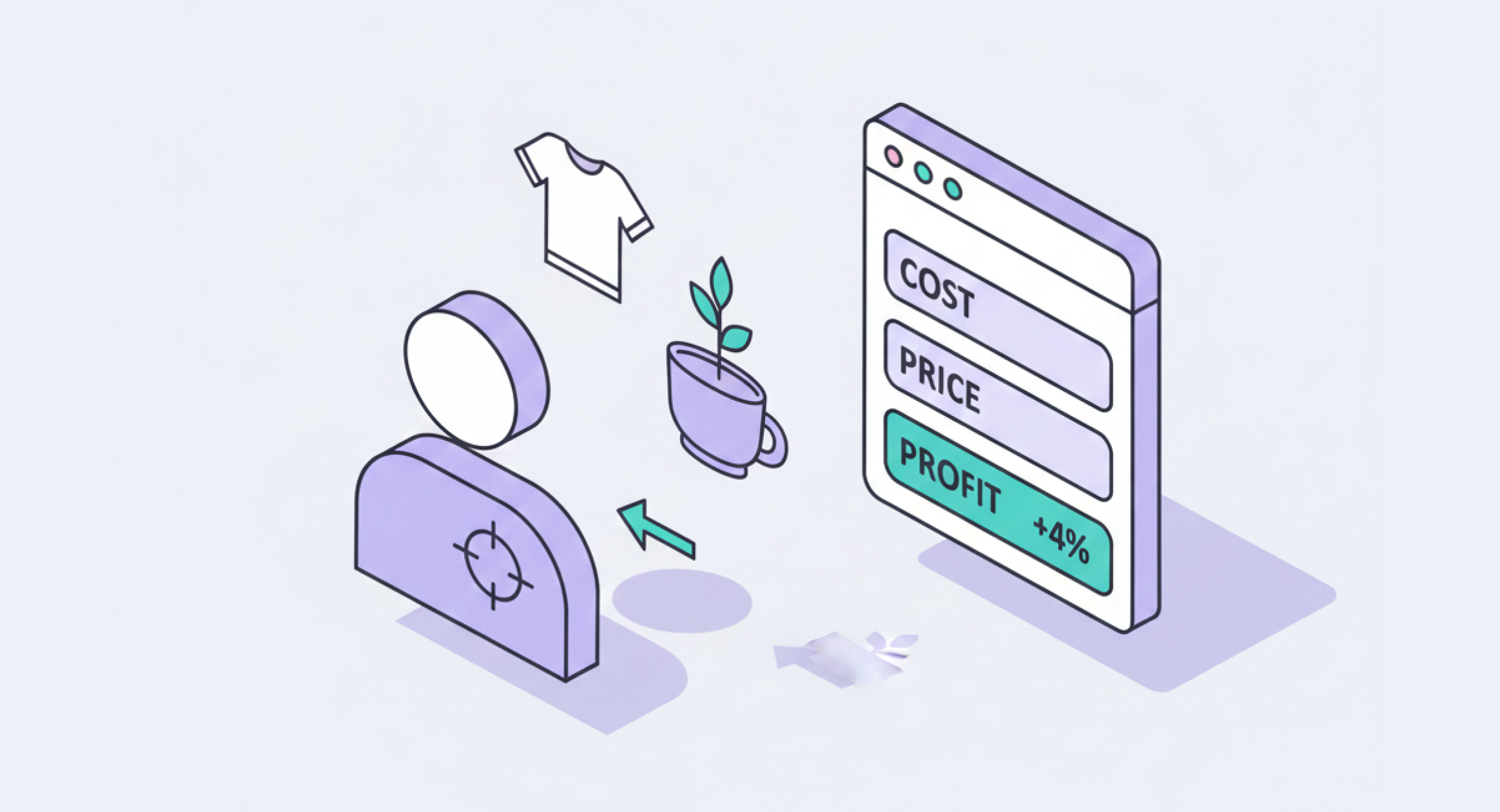
Third, check basic profit from your sales. Imagine a product selling to customers for 50 dollars each. If it cost you 20 dollars to buy or make it, 10 dollars to pack and ship it, and another 5 dollars or so for fees and marketing, you would be left with 15 dollars profit. So that leaves you with a margin of 30 percent for your business.
If it is closer to 5 or 10 percent, you will be unable to pay yourself back or grow business. This is one way to know when to stay away from products with very low profit margin. It can be challenging for new businesses to cover expenses and attain sustainable growth with such low profit margin.
Doing this little check before you launch saves a lot of stress afterward when you run your business.
Step 2: Choosing the Best E-commerce Platform for Small Business

There is no single perfect tool for everyone to get started. Few names come up again and again because they are widely used and tested by many people.
Shopify is one of most popular ecommerce platforms around the world; it has millions of merchants who use it to run small and large stores every day. Its focus is on ease of use, strong sales tools, and ability to scale as big as one wants business to grow. Compared to other platforms, Shopify can boast of a wide range of integrations and a robust app ecosystem.
Another big option open to people is WooCommerce. It is a plugin designed for WordPress sites to turn them into online stores for selling. Being an open-source platform, WooCommerce has a lot of control and flexibility, but usually requires more setup and technical care compared with a simple hosted platform that does everything. Its flexibility and community support set it apart from other platforms.
Wix is a website builder that also touts e-commerce features for businesses. It's very popular among the smallest of businesses and beginners due to its visual editor and good-looking templates. Wix works great if you want to get online quickly and keep setup easy-as long as your needs aren't too complex for the platform, anyhow. Compared to other platforms out there, Wix is known to be extremely user-friendly in its interface and one of quickest to set up.
PenniCart is another option worth considering, especially if you want more control over your cart and checkout experience or if you already work with a web design or development partner that knows it. With PenniCart, businesses or individuals who want more control over a store's look and its functionality can have extended possibilities of customization, from customizable templates to API access. It is well-suited for small businesses that want more customizable ecommerce flow without feeling locked into some generic template that everyone uses.
When comparing all different platforms, start off by answering a few simple questions about your business. How many products will I launch within the next 3 to 6 months? Do I only sell physical products, or do I need subscriptions or digital products for customers? How much time per week can I spend managing orders, stock, and changes to the site? Will I run this alone, or will an agency or developer help me with it?
Step 3: Prepare the Requirements of Your Online Store

On most e-commerce platforms, the basic process of setting up a store is simple and novice-friendly, helping you to get running as soon as possible with key functionality. Once you've selected a platform to work with, it's time to set up core parts of your store that customers will see.
You can think of this in three groups: branding and settings, key pages, and payment and shipping options.
Branding and settings
Start with branding and settings for your business. Choose a clean domain name, ideally under 20 characters, which is easy to remember for customers. Connecting custom domains is important for branding and looking professional. That will help your store to stand out and build trust.
Set your main colors and fonts so that your store will not look like the default template that everyone uses. Then check your time zone, currency, and tax settings to make sure they correspond to where you do business and sell.
Key pages
Next, build your key pages that people need to see. You usually need a home page, category or collection pages, and product pages for items. You should also have an About page, Contact page, and simple pages for Shipping, Returns, and Privacy information.
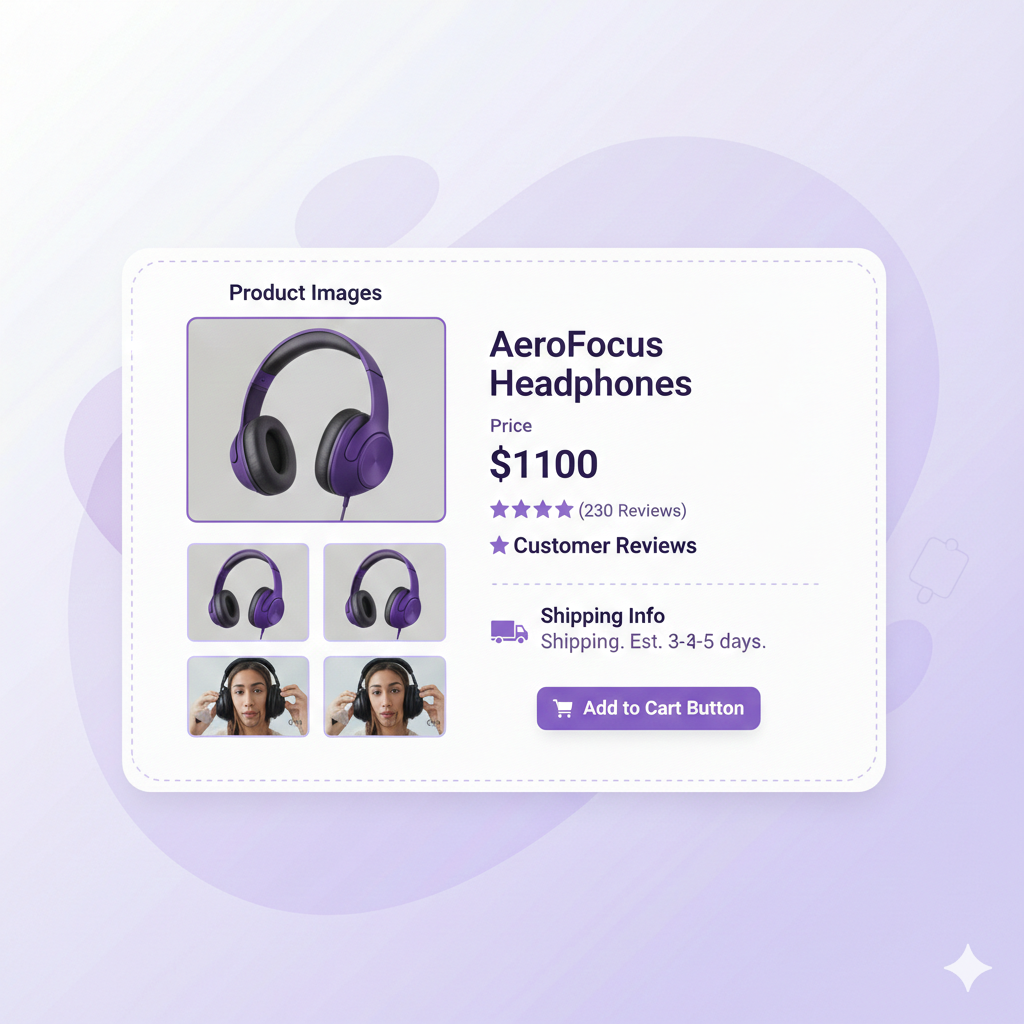
On your home page, try to make it clear in the first 2 or 3 lines who you are, what you sell, and what someone should click next to buy. For product pages, aim for at least 3 to 5 clear photos, short main description at top, and more details further down for customers who want more information.
Show price, any options like size or color, and make the Add to Cart button easy to see and click. If you have reviews, even a handful from customers, add them to the page. Social proof, even from 5 or 10 customers, helps people trust you and your business.
Use inventory tracking features to manage stock levels and avoid overselling, while automating notifications when orders are low.
Payment and shipping options
Next, set up payments and shipping options for orders. Make sure you can accept a variety of payments, including major cards and trusted wallets or local options. If you're going to sell in person at events, you may want to consider POS systems.
When it comes to shipping, it is often easiest to start with just one or two clear choices, such as flat rate shipping, free shipping over a set amount like 75 or 100 dollars for orders. Be sure to factor in shipping costs, which can vary widely depending on your products, shipping methods, and service providers.
Many platforms also let you create shipping labels directly, which makes order fulfillment and logistics easier. You can always refine these options later as you see how your orders come in and what works.
Step 4: Basic Search Engine Optimization and Content for a New E-commerce Business
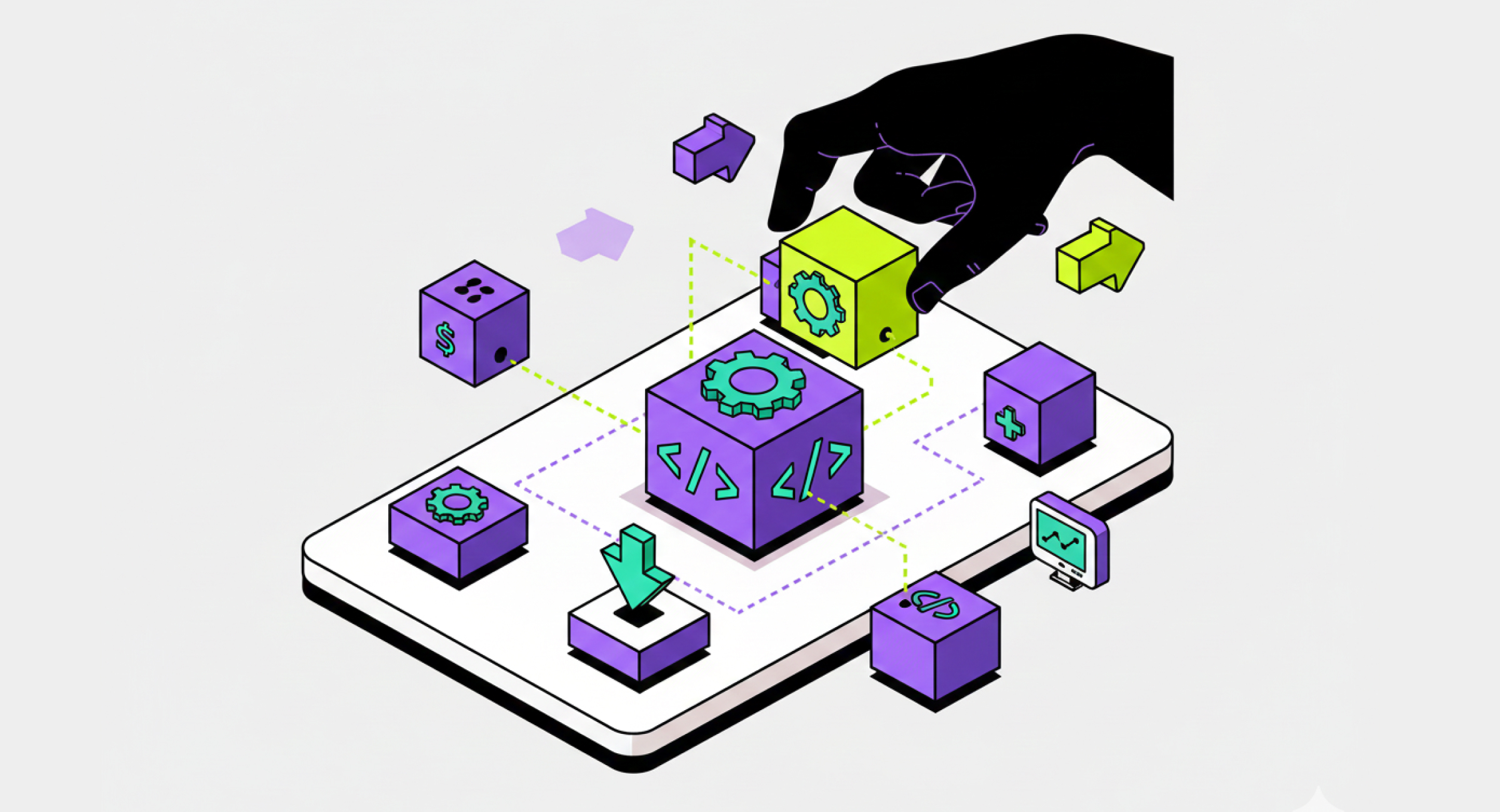
SEO might sound complicated, but you only need to know a few basics to start helping your business. Think of it like helping search engines and people understand your store and what you sell.
First, make sure your site is fast, secure, and mobile friendly for all users. Use HTTPS, not HTTP, for security. Check that your store looks good and works well on the phone, since more than half of many ecommerce visits now come from mobile devices. Many platforms handle this by default, but it is still worth testing your site on your own phone to see.
Next, do basic on-page SEO for your pages: give each page a clear title, like "Handmade Soy Candles – Brand Name" instead of just "Home," which says nothing. Write simple meta descriptions in one or two sentences that say what is on that page and why it is useful for visitors.
Use phrases your customers actually use when they talk to you: things like "gift boxes," "custom mugs," or "organic dog treats," not some fancy pants words.
Content also plays a role when you're starting an e-commerce business for customers. Simple guides, answers to common questions, and honest fit or sizing notes lower returns and raise trust with buyers. You really don't have to write long articles about everything. Even 300 to 600 words of clear, helpful text on your key pages can make a real difference for search and customers.
Step 5: Launch, Track Key Performance Indicators, and Improve
Of course, at some point, you have to stop tweaking and press launch to begin selling. A good goal is to launch when you feel 80 percent ready with everything. You can always improve the last 20 percent after you have real visitors and see what they do.
After launching, make sure you monitor your cash flow closely as part of financial tracking to ensure your business stays healthy and can handle growth.
Once your store is live, keep a close eye on a small set of numbers over the first 3 months of business. Look at how many people visited your site each month, how many orders you got from them, what your average order value was, and which were most-visited products by visitors.
For instance, if you have 200 visitors in month one, 300 in month two, and 400 in month three, and your orders grow with the number of visitors, you know you are moving in the right direction with your business.
Common mistakes made when starting an ecommerce business
Knowing pitfalls will save you from many common mistakes made by many new ecommerce businesses. Building your own business, rather than relying on third-party marketplaces, puts you in control of your brand and customer relationships.
One mistake that's common is the effort to sell way too many different products to too many types of customers at once. When people have 50 ideas in one message, they leave because they get confused. It is easier to make your first 100 online sales with a focused offer and clear audience who understand you.
Sale of your own products, in particular unique ones or those with your brand, helps your store stand out and will help in building a very loyal customer base.
The second mistake people make is choosing a platform solely because they have heard that a particular one is popular, without considering their needs and business. The best ecommerce platform for small business owners is one that fits your size, your skills, and your growth plan for the future.
Third mistake: ignoring marketing after you build a store. Building a store is just step one of this process. You still need people to visit it and buy from you. That can come from search engines, social media, e-mail, local partnerships, or ads that you run.
Finally, don't forget that ecommerce isn't just selling to consumers. Business to business is a strong alternative model in which you sell products or services directly to other businesses. This often leads to larger, and recurring, orders.
Final Thoughts on Starting Your Ecommerce Journey
Setting up an ecommerce business is a big step, but it becomes much easier when you focus on the basics we talked about in this blog: knowing your customer, choosing a platform that fits your small business, setting up clear product pages, and tracking a few simple numbers so you can keep improving. You do not need a perfect store on day one. You just need a clean, working store that can get your first 10, 50, or 100 online sales and give you real data to learn from.
When it comes to choosing the best ecommerce platform for small business owners, PenniCart is a strong main option to build on. It gives you more control over your cart and checkout, works well with custom designs, and lets you grow without feeling stuck in a generic template. Platforms like Shopify, WooCommerce, or Wix are still useful in the market, but if you want a more flexible setup that can be shaped around your business instead of forcing you into a box, PenniCart is often the better long-term choice for serious growth.
Related Articles


Webflow App