
Specify the plan
Write the cadence, price, shipping terms and cancellation policy in plain language.
Connect subscriptions
Follow the documented subscription setup for your store and supported payment provider.
Validate the recurring journey
Test the checkout selection and confirm how the next payment and fulfillment are managed.
Define the recurring offer
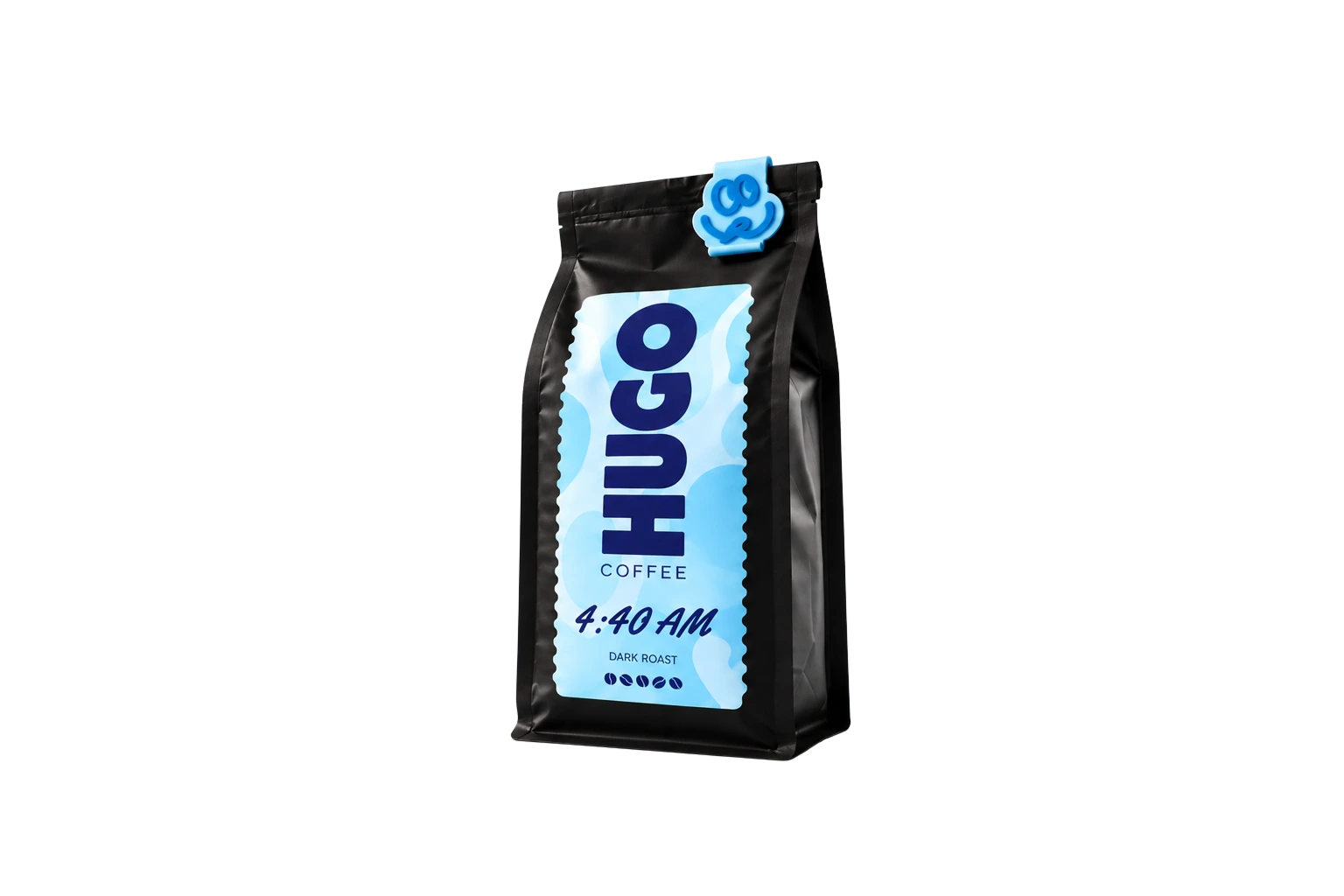
A subscription is a promise about what customers receive and when. State the product, quantity, cadence and price together. For coffee, a biweekly delivery can solve a different need from a monthly refill. Avoid vague “subscribe” buttons that leave shoppers uncertain about the next charge or shipment.
Make one-time and recurring purchases distinct
If you offer both, show the purchase options together and make the current selection obvious. Display any difference in price or delivery cadence before the customer adds the item. Reconfirm the recurring selection at checkout so a one-time shopper cannot accidentally buy a subscription.
Configure the provider and fulfillment process
Recurring billing requires a supported configuration and a payment provider that supports the intended subscription flow. Check the current Penni Cart documentation for your provider and store setup. Plan how stock, dispatch timing, cancellations and failed payments will be handled before accepting recurring orders.
Launch with a small recurring catalog
Use one subscription product to validate the billing and fulfillment experience. Test the first purchase and the expected customer communications. Make your cancellation policy easy to find and ensure the team knows how to respond when a shipment needs to change.